kvapilvaclav0
Mods by kvapilvaclav0
Newest update first.

Hold one key to throw XP bottles and mend your gear — stops automatically the moment everything is repaired. Client-side Fabric mod for 1.21.8–1.21.11.

On-screen totem pop counter: your pops, everyone's pops, and who popped last - with a persistent lifetime count and personal record.

Aim at a trial chamber vault to see its state, whether it is ominous, the key it needs - and whether YOU have already claimed it, tracked per world.

Live countdown for your brewing stands: open a stand once and the HUD keeps tracking the brew, then plays a sound when potions are ready.

This mod turns your dog into Verity.
Look at a redstone repeater or comparator to reveal its hidden state: repeater delay and lock, or comparator mode and output.
Look at any crop to see its exact growth stage and a Ripe marker when it is ready to harvest.
Look at a respawn anchor to see its charge count (0-4) and whether it works as a spawn point. No popups.

Draws the stack count (x16, x64) over every item frame in view, so item-frame storage labels show their amounts at a glance.

Look at a cauldron and a small HUD shows what it holds and how full it is (Water/Lava/Powder Snow, level 0-3).
Ride any horse, donkey, mule or llama and a small top-left HUD shows the mount's health, top speed (m/s) and jump height (blocks) live - no need to open its inventory. Toggle with H.

Aim at a monster spawner and a small HUD instantly tells you which mob it spawns — read straight from the spinning mob inside the cage, so you know at a glance whether a dungeon spawner is worth keeping or breaking.

Aim at a beacon and a compact top-left HUD shows its pyramid tier (1-4), the effect range in blocks, and the selected primary/secondary effects - no need to open the beacon GUI. Toggle with V.

Look at any jukebox and a small HUD shows whether it's playing and which track is on.

A HUD showing how much XP you still need to fully repair all your Mending gear - total XP points, an approximate level count, and the durability still missing.
A small HUD shows any composter's exact fill level (0-8) and tells you the moment it's ready to harvest bone meal.

Look at any note block and a tiny HUD shows its exact pitch (note name + octave, e.g. F#4), the raw note value 0-24, and the instrument it plays - tune redstone music by reading instead of clicking and listening.

Hold a bow or crossbow and a small ammo counter appears under your crosshair: total arrows, split into normal, spectral, and tipped. Turns yellow when low and red when empty.
Look at any beehive or bee nest to see its honey level, sheltering bee count, and harvest-ready status on a small HUD.
A blinking banner and alert sound when your elytra drops below 10% durability while gliding, so you don't lose your wings mid-flight. Toggle with Y.

Kinematic mouse-look smoothing: the camera eases toward your mouse motion instead of snapping. Press K to toggle, [ / ] to set the strength.

A tiny HUD that predicts the fall damage of the drop directly below your feet, before you step off.

Marks you as away with an AFK badge and an idle timer, and makes your character wave so others can tell you've stepped away.

A tiny HUD counter that appears whenever someone climbs into bed, showing how many players are currently sleeping out of everyone online. On multiplayer you instantly see how close the server is to skipping the night. Client-side, toggle with K.
Toggle the first-person hand-swing animation that plays every time you attack or place a block. Great for accessibility (motion sickness) and clean stream feeds. Press K to switch on/off.
Tiny top-left HUD that shows current weather (Clear / Rain / Thunder) with intensity, a rising/falling trend marker, and an estimated time-to-change in singleplayer. Vanilla shows no forecast at all. Toggle with B.
Live HUD of your block- and entity-interaction reach in metres. Press K to toggle.

Look at a furnace, blast furnace, or smoker and a small top-left HUD shows the exact seconds left on the current smelt and how long the fuel will last. Toggle with K.
Tiny top-right HUD showing Day N — how many in-game days you've survived in the current world.

Draws a thin durability ring around your crosshair for the held tool, weapon, or armor piece. Full green circle that shrinks and turns red as the item wears out, so you see the warning in your line of sight. Toggle with V.

One-shot beep and warning when your hunger drops low and you're not holding food — no auto-eating, just a nudge.
Shows a live decimal distance readout under your crosshair for whatever block or mob you aim at (e.g. "Block 4.50m"). Great for builders and archers. Toggle with J.

Centered HUD bar showing the exact draw % of your bow and charge % of a crossbow, with a red-yellow-green gradient and a clear DRAWN!/LOADED! cue at full power. Toggle with B.
Flashes a big "CRIT!" on screen on every critical hit and tracks your crit streak + personal best in a bottom-right HUD. Toggle with V, reset with Shift+V.
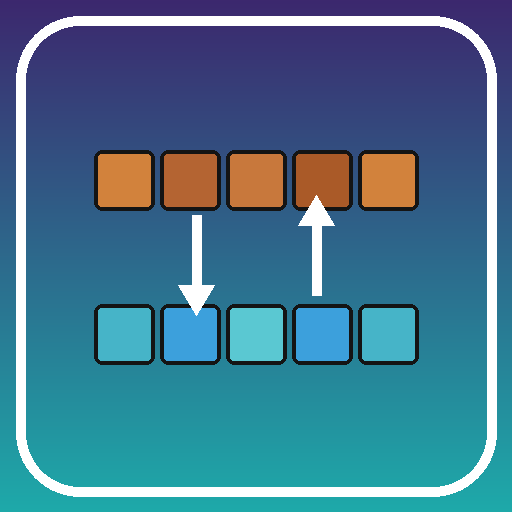
Quick-swap your hotbar with the first inventory row (V), or cycle through three pre-arranged loadouts stored in rows 1-3 (B). Setup once, switch instantly.

Tiny top-left HUD that counts experience orbs within 16 blocks and their total XP value, so you never miss orbs that scattered out of view after a fight. Toggle with X.

A tiny always-on HUD that reads the block under your crosshair: name, hardness, the right tool, and the light level.
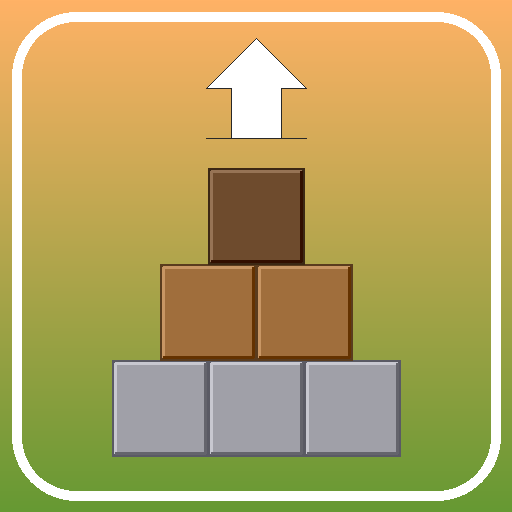
Tiny top-left HUD that counts how many blocks you placed this session, split by Wood / Stone / Dirt / Other, with a live blocks-per-minute pace. Toggle B, reset Shift+B.

Look at any entity within 6 blocks and a small HUD above the crosshair shows its name, type, and HP bar. Color-coded by category. Toggle with K.
Tiny HUD showing your current saturation (the hidden food stat vanilla never displays) as a number with a red-to-green color gradient - next to the hunger bar. See exactly when saturation runs out and hunger starts ticking.

Tiny top-left HUD that counts how many blocks you've mined this session, broken down by Ore / Wood / Stone / Other. Toggle with M, reset with Shift+M.
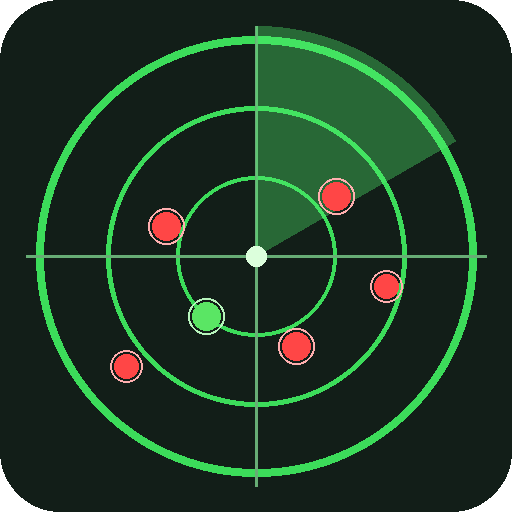
Top-right HUD mini-radar showing hostile mobs within 32 blocks. Facing-up minimap-style with distance to the nearest threat and a creeper counter. Toggle with R.

A one-shot sound and on-screen warning when your inventory is almost full so you don't keep mining and silently lose drops.
A one-shot sound + on-screen banner the moment a tool or armor piece you're carrying drops below 10% durability - so you don't snap your good pickaxe deep in a cave without noticing.

Tiny HUD with 3D distance and a directional arrow back to your world spawn — handy when you wander far from base and want a quick way home.

Auto-fishing helper - press a key while holding a fishing rod and the mod will cast, detect the bite, reel in, and recast on its own.

Save your current location with a keypress; a HUD compass at the top of the screen points back to it with live direction and distance — across all dimensions.

Replaces the 'You Died!' headline on the vanilla death screen with a random line from your own config file.
One press copies your coordinates to the system clipboard - as a ready-to-paste /tp command, or plain X Y Z for chat.
Tiny top-right HUD with your FPS and server ping — color-coded thresholds, toggle with G.
Toggle key (K) for hands-free walking and sprinting forward.

Prints your last death coordinates and dimension to chat — and copies them to clipboard — so you can find your stuff after respawn.
A 3x3 mob-spawn safety HUD: live block-light readings of the tiles around you, color-coded by spawn risk. Toggle with L.

A lightweight Fabric mod that automatically holds the sneak key for you whenever you approach the edge of a block.

A lightweight client-side Fabric mod that adds an in-game menu where you can toggle the visibility of every entity type in the game - mobs, animals, armor stands, item frames, display entities, dropped items, projectiles, even modded entities.

A client-side Fabric mod for Minecraft 1.21.8 – 1.21.11 that automatically tracks your kills, deaths, and K/D ratio for every server you join.

Press J to instantly aim your camera at the nearest living entity within 10 blocks. If no entity is in range, a message will appear on your screen letting you know.

Experience Minecraft from a whole new perspective. Eagle Eye allows you to instantly switch to a strategic overhead view with a single keybind (default is J), perfect for scouting terrain. To use the mod you need to have installed Fabric API.

A lightweight mod that allows you to simulate being banned from a server. Simply press a key (default is J) to trigger the ban message and return to the main menu. To use the mod you need to have installed Fabric API.