Mods for 1.14.4
304 mods match your filters.

Suppresses in-game tutorial hints for new game instances.

Have Clarity! No more fog underwater! Extremely configurable! Change the level of fog under water, lava, and even inside powdered snow!

Fight enemies back through grass and other similar obstructions!

Think twice before you drop. Adds a confirmation to dropping items in order to save them from dangerous situations.

Allows disabling or customizing field of view changes from sprinting, potions, archery, or underwater.

More skin customization options for just about every version + skin backports/fixes for pre-1.9 versions.

Sorts enchantments in item tooltips (alphabetically)

UI sounds & more.
A client-side mod that makes the advancements window bigger by expanding it to full screen. Continuation of the Advancements Enlarger mod.

Lets you keep breaking blocks when you switch items

A mod to hide, recolor, add tooltips, and reorder shaderpacks in the Iris/Oculus shaders menu using flexible patterns. THIS IS NOT A SHADER LOADER
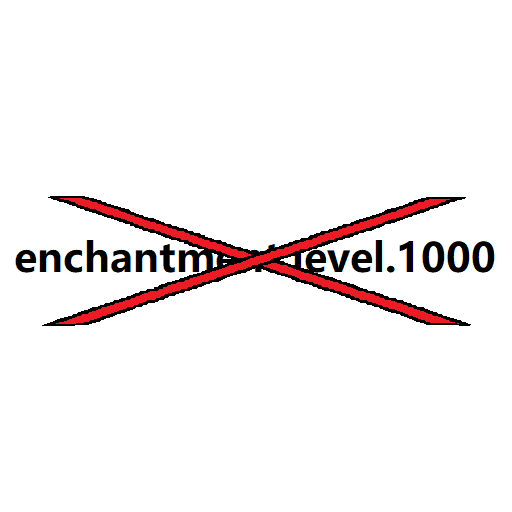
Sharpness enchantment.level.20 => Sharpness 20/XX

A client-side library mod with tons of features to do all the heavy lifting for all client-side mods.

Custom Capes anyone with the mod can see

Client-side mod to change window title (including special tokens) and window icon. Supports Forge & Fabric.

WorldEdit CUI is a graphical user interface for WorldEdit, designed to assist in using WorldEdit and prevent accidental errors.

A custom Single Player World (LAN) server with an independent GUI Minecraft Mod, supporting 1.7.2-1.21.x versions

Removes darkening on sides of geometry, inspired by the old lighting from OptiFine's internal shaders, for in-game blocks, clouds, and (block) entities.

Better Title Screen is a client-side mod that provides options to customize Minecraft's title screen.

This mod lets you lower first person fire!

Added some features to the Masa collection of mods.

A Minecraft mod that fixes the cursor centering issue that occasionally happens when opening a GUI.

A basic mod that displays your Coordinates on the In-game HUD.

Change the default world type for creating a new world in Create World screen