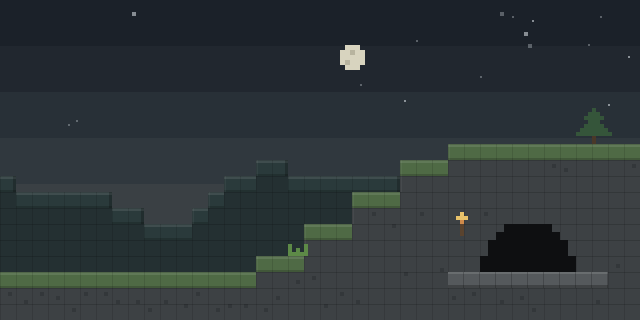

Chalk
by mortuusars
Chalk lets players draw marks on block faces, using arrows, dots and symbols, and it is installed on both the client and the server.
What it does
Clicking a full block side draws an arrow that points toward the spot clicked, while clicking the center places a dot. Sneak-using the chalk opens an interface where a symbol can be picked, and most special symbols are gated behind completed advancements. A mark can be made to glow with a glow-producing dust or ink, and glowing marks give off a little light.
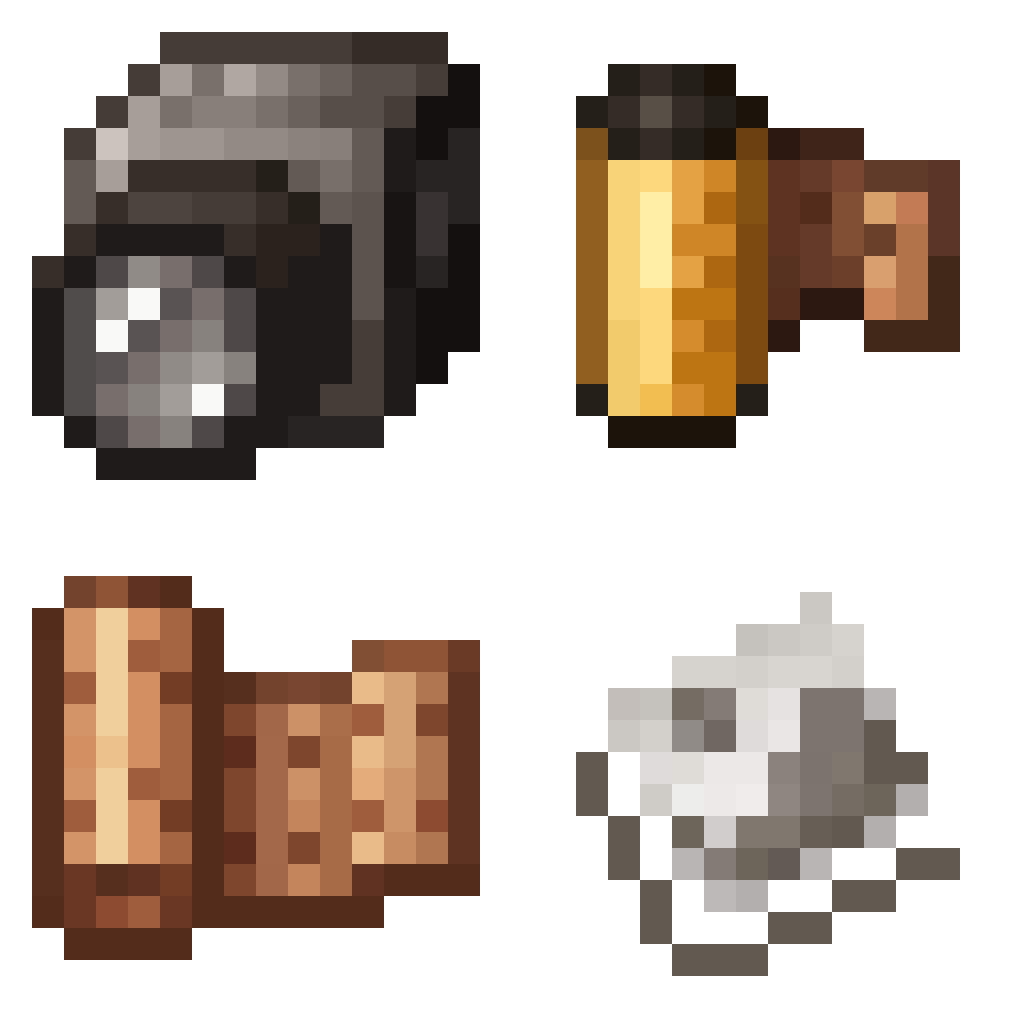
Chalk is craftable from Calcite and can also turn up in some underground or village chests. The chalk can be dyed to any color in the same way as leather armor, and eating one grants 30 seconds of Strength. Storage and use of chalks is handled by a dedicated holder, so a supply can be kept close at hand.
The mod is licensed under the MIT License and is open source, with its source code and issue tracker publicly available. It is published for Fabric, Forge and NeoForge across 10 release versions, 1.16.5 – 1.21.1, and it requires Fabric API on Fabric and Forge Config API Port on Forge.
Key features
Arrow and dot marks
A clicked block side receives an arrow aimed at the clicked spot, or a dot when the center is clicked.
Symbol selection
Sneak-using the chalk opens a picker for drawing a chosen symbol on a block face.
Advancement-gated symbols
Most special symbols require completed advancements, so the set grows as a player progresses.
Glowing marks
Adding a glow-producing dust or ink makes a mark glow and light up its surroundings slightly.
Dyeable chalk
Chalk can be dyed to any color, similar to leather armor, and eating it gives 30 seconds of Strength.
Gallery
Compatibility
Latest build for each game version and loader.
1.21.x2 of 2 versions with builds
1.20.x2 of 2 versions with builds
1.19.x1 of 1 version with builds
1.18.x3 of 3 versions with builds
1.17.x1 of 1 version with builds
1.16.x1 of 1 version with builds
Only full game releases are shown. This mod publishes no snapshot builds.
Requirements
Dependencies declared by the latest file for each loader.
Required 2


Required by 4 mods


Use cases
Marking routes
Arrows and dots on walls and floors can show a path through caves, cities or other large builds.
Labeling builds
Symbols drawn on block faces can mark storage, zones or points of interest in a base.
Who it’s for: Players who want to leave visible notes on their surroundings in survival or adventure maps, and server owners who want an in-world marking tool for their players.
Questions
Does Chalk have to be installed on the server?
What does Chalk require on Forge?
How are the special symbols obtained?
In the catalog
Chalk is one of 19,031 Adventure mods on ModsFinder, and one of 10,052 Adventure mods for Fabric. 32,366 mods support Minecraft 1.21.1.
More from mortuusars



Similar mods







What the author says
Mark your way through the vast world of Minecraft®™! Marks can be made glowing by applying Glowstone Dust or Glow Ink Sac to them
Official listing
- Modrinth page
- modrinth.com/mod/chalk-mod
- Owner
- mortuusars
- Published
- 2022-05-31
- Updated on Modrinth
- 2026-09-06
- Facts verified
- 2026-10-15