
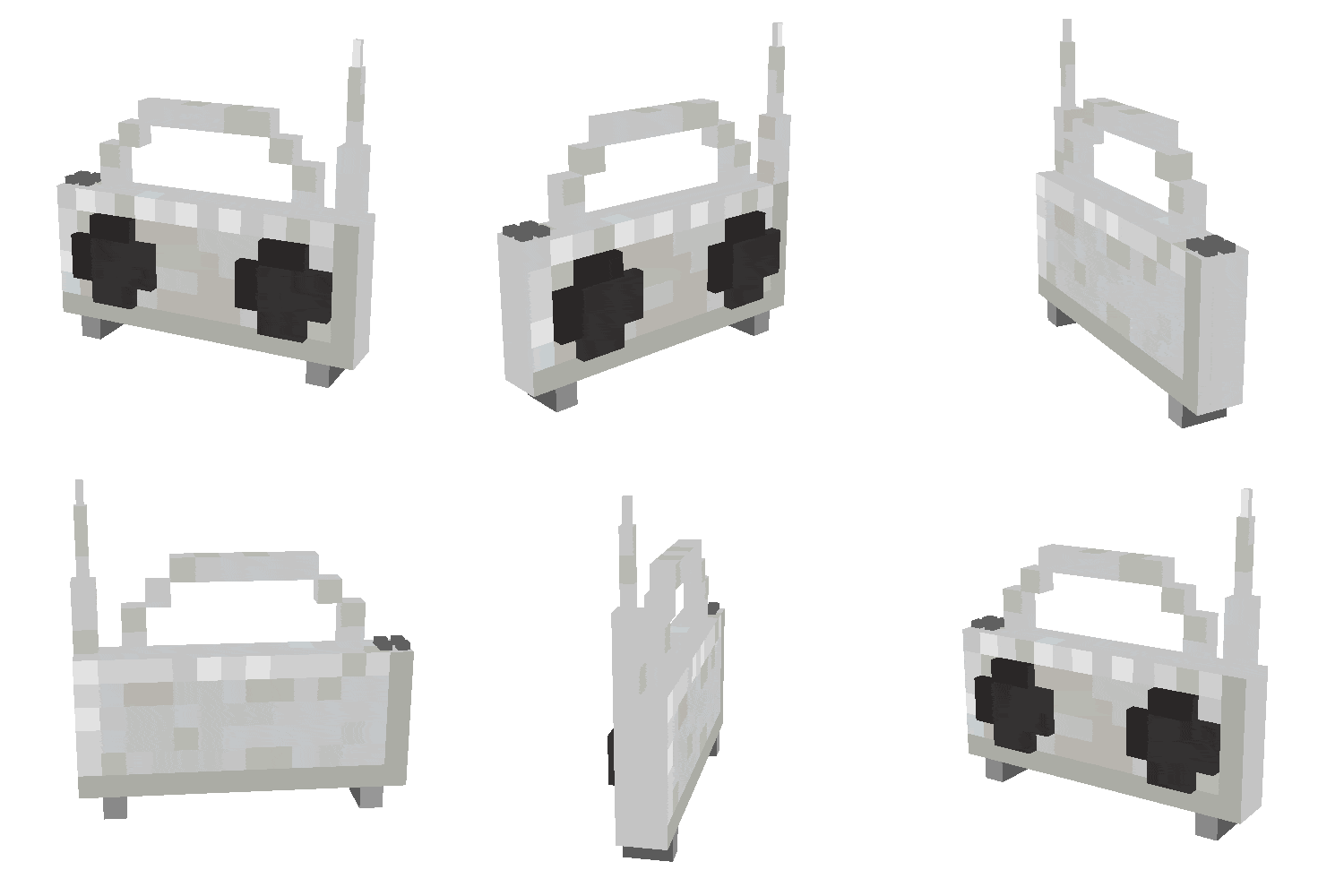
Boombox
by Mrbysco
With Boombox, a held music player tunes into radio stations listed in its channel menu, and players can keep favorites near the top of the list.
What it does
Right-clicking a boombox opens a list of radio channels. Clicking a channel tunes to it, and holding Shift while clicking a channel marks it as a favorite and moves it to the top of the list. Installation covers the server and each player's game. Versions 1.21.1, 26.1.2 and 26.2 are covered, with 1.2.1 for 26.2 as the latest NeoForge file on the beta channel, and the code is released under the MIT License as open source.
Key features
Radio channel list
Right-clicking a boombox reveals a list of radio channels to choose from.
Tuning by click
Clicking a channel in the list tunes the boombox to that station.
Favorite channels
Shift-clicking a channel marks it as a favorite and moves it to the top of the list.
Compatibility
Latest build for each game version and loader.
Only full game releases are shown. This mod publishes no snapshot builds.
Questions
Does Boombox need to be installed on the server?
Which loader does Boombox use?
In the catalog
Boombox is one of 8,499 Technology mods on ModsFinder, and one of 3,557 Technology mods for NeoForge. 13,894 mods support Minecraft 26.2.
More from Mrbysco


Similar mods


What the author says
Adds a boombox that can play radio stations. The boombox can be right-clicked to reveal a list of radio channels. Upon clicking a channel it will tune into that channel. Holding shift while clicking a channel will favorite that channel, moving it to the top. This mod is a standalone and updated version of the Ad…
Official listing
- Modrinth page
- modrinth.com/mod/boombox-radio
- Owner
- Mrbysco
- Published
- 2026-05-07
- Updated on Modrinth
- 2026-08-09
- Facts verified
- 2026-10-15