Verticality
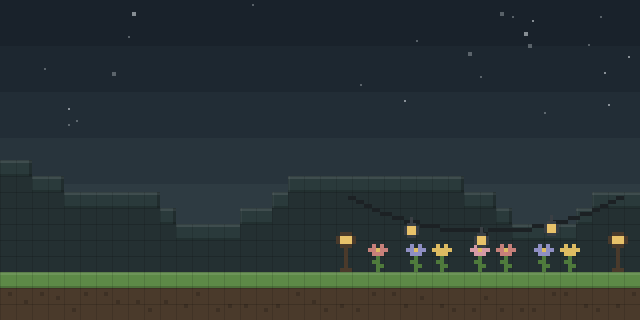
Verticality rearranges the hotbar into vertical columns, with several selectable hotbar styles and a toggle in the game menu.
What it does
Verticality changes the layout of the hotbar so the item slots stack vertically along the screen edge instead of running across the bottom. Players can switch between the provided hotbar styles and turn the change on or off from the Escape menu, where arrows appear in the hotbar area to cycle through them. Fabric API is required, and the mod is published for Fabric and Quilt across 13 release versions, 1.18 – 1.20.4.
Key features
Vertical hotbar
The hotbar slots are arranged in a vertical column rather than a horizontal row.
Selectable hotbar styles
Several hotbar styles are included, and arrows in the hotbar area switch between them.
Toggle from the game menu
The layout can be turned on or off from the Escape menu without restarting the game.
Gallery
Compatibility
Latest build for each game version and loader.
1.20.x5 of 5 versions with builds
1.19.x5 of 5 versions with builds
1.18.x3 of 3 versions with builds
Only full game releases are shown. This mod publishes no snapshot builds.
Requirements
Dependencies declared by the latest file for each loader.
Required 1

Questions
Does Verticality need Fabric API?
Does Verticality have to be installed on the server?
Which game versions does Verticality support?
In the catalog
Verticality is one of 12,078 Decoration mods on ModsFinder, and one of 6,982 Decoration mods for Fabric. 13,907 mods support Minecraft 1.20.4.
More from Kessoku Tea Time


Similar mods





What the author says
Verticality verticals your hotbar. Simple enough? Fascinating enough! To toggle the feature, just press Escape to access the game menu, then you'shall see arrows on the hotbar area. Click them to see what happens!
Official listing
- Modrinth page
- modrinth.com/mod/verticality
- Owner
- Kessoku Tea Time
- Published
- 2023-04-25
- Updated on Modrinth
- 2024-05-01
- Facts verified
- 2026-10-15