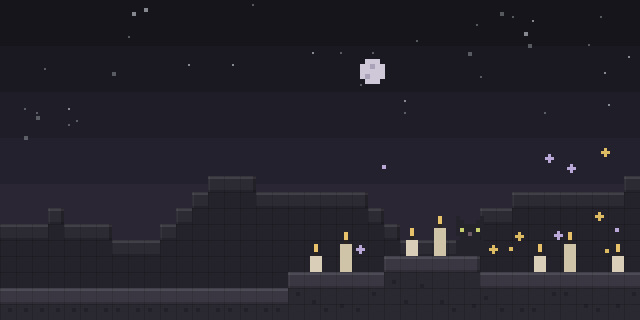

Shoot Screen
by xkball
Shoot Screen, a NeoForge client mod, makes the game screen look like a screenshot when the Z key is pressed.
What it does
Pressing Z toggles a screenshot-like rendering of the game screen, and a custom background image can be applied to it. Only the client needs the mod, so a server does not have to run it. Shoot Screen is open source, released under the GNU Lesser General Public License v3.0 or later, and is published for NeoForge across 1.21.1 – 1.21.3, with 1.0.0 for 1.21.3 as the latest file.
Key features
Screenshot-style view
Toggling the key switches the game screen into a rendering that resembles a captured screenshot.
Custom backgrounds
Background images can be supplied through a resource pack, and when several are present one is picked at random.
Adjustable lighting
Highlighting uses a Phong lighting model, and setting the specular strength to 0 disables those effects.
Gallery
Compatibility
Latest build for each game version and loader.
Only full game releases are shown. This mod publishes no snapshot builds.
Questions
Does Shoot Screen need to be installed on the server?
How can the highlighting effects be turned off?
In the catalog
Shoot Screen is one of 7,555 Cursed mods on ModsFinder, and one of 2,801 Cursed mods for NeoForge. 13,252 mods support Minecraft 1.21.3.
More from xkball


Similar mods





What the author says
Make your game screen look like a screenshot. Press 'Z' to toggle of screenshot like rendering.
Official listing
- Modrinth page
- modrinth.com/mod/shoot-screen
- Owner
- xkball
- Published
- 2025-05-10
- Updated on Modrinth
- 2025-05-10
- Facts verified
- 2026-10-15