Pocket Dimension
by rafalberezin
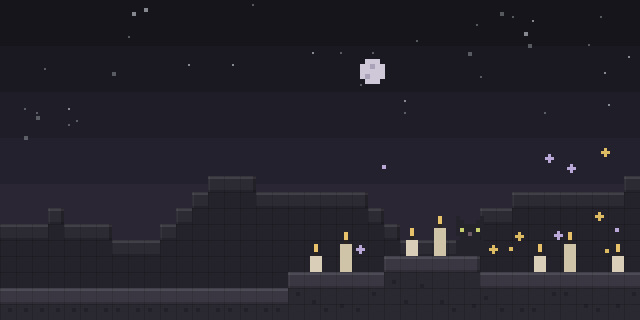
With Pocket Dimension, a player opens a private portal from an artifact and enters a dimension that only they can reach by default.
What it does
Access to the Pocket Dimension requires a Dimensional Tesseract, which can be crafted with one of the listed recipes. Holding it in the hand and right-clicking opens a portal that stays open for 20 seconds, and the tesseract must be used again to open another one. The portal is named after its owner by default, and the name display can be changed in the config.
Inside the dimension a player has full freedom to build whatever they want, and the creations persist across visits. Teleportation is followed by a one second cooldown before the next teleport. Using a Bed or Respawn Anchor inside triggers an explosion, and custom advancements within the dimension offer challenges and rewards. Server owners can open the configuration menu with the PDConfig command, where they can choose whether other players may enter, limit a portal's uses, and control how the portal name and its position are shown.
The server must run it, while players may leave it out. It is released under the MIT License and is open source. Files are published for Fabric, Forge, NeoForge and Quilt, and the 1.4.0+mod build targets 1.20.6. Builds cover 1.20.1 – 1.20.6, and a data pack version is also available for servers. Using the data pack requires installing the matching resource pack.
Key features
Portal opened by an artifact
The Dimensional Tesseract is held and right-clicked to open a portal that stays open for 20 seconds.
Per-owner privacy
Access can be limited to the portal's owner, and the owner can decide whether other players may enter.
Limited portal uses
A portal can be set to shut down for good once it has been opened a chosen number of times.
Portal name display
The portal shows its owner's name by default, with options for hiding the name or changing its display position.
Gallery
Compatibility
Latest build for each game version and loader.
Only full game releases are shown. This mod publishes no snapshot builds.
How it compares
Dimensional Pockets II is a Forge and NeoForge mod for 1.20.1 – 1.21.1, both sides required, under All rights reserved and not open source. Lucky Pocket is a Forge only mod for 1.20.1 that also needs both sides and is not open source. Fractured Mod is a Fabric mod for 1.20.1 that is open source under the CC0 1.0 Universal license and runs on both client and server, so it differs from this mod in both loader and license.
| Mod | Loaders | Game versions | Environment | Updated |
|---|---|---|---|---|
| Pocket Dimension | Fabric, Forge, NeoForge and Quilt | 1.20.1 – 1.20.6 | Server required, client optional | 2024-12-20 |
| Dimensional Pockets II | Forge and NeoForge | 1.20.1 – 1.21.1 | Client and server | 2026-03-17 |
| Lucky Pocket | Forge | 1.20.1 | Client and server | 2026-07-16 |
| Fractured Mod | Fabric | 1.20.1 | Client and server | 2025-03-03 |
Questions
Does Pocket Dimension need to be installed on the client?
How is the Pocket Dimension opened?
Which versions does Pocket Dimension support?
In the catalog
Pocket Dimension is one of 7,216 Magic mods on ModsFinder, and one of 3,630 Magic mods for Fabric. 11,154 mods support Minecraft 1.20.6.
More from rafalberezin

Similar mods






What the author says
Before you install, make sure to read the uninstallation section, as it isn't exactly straightforward. When using data pack version make sure to also install the required resource pack.
Official listing
- Modrinth page
- modrinth.com/mod/pocket-dimension
- Owner
- rafalberezin
- Published
- 2023-12-14
- Updated on Modrinth
- 2024-12-20
- Facts verified
- 2026-10-15