
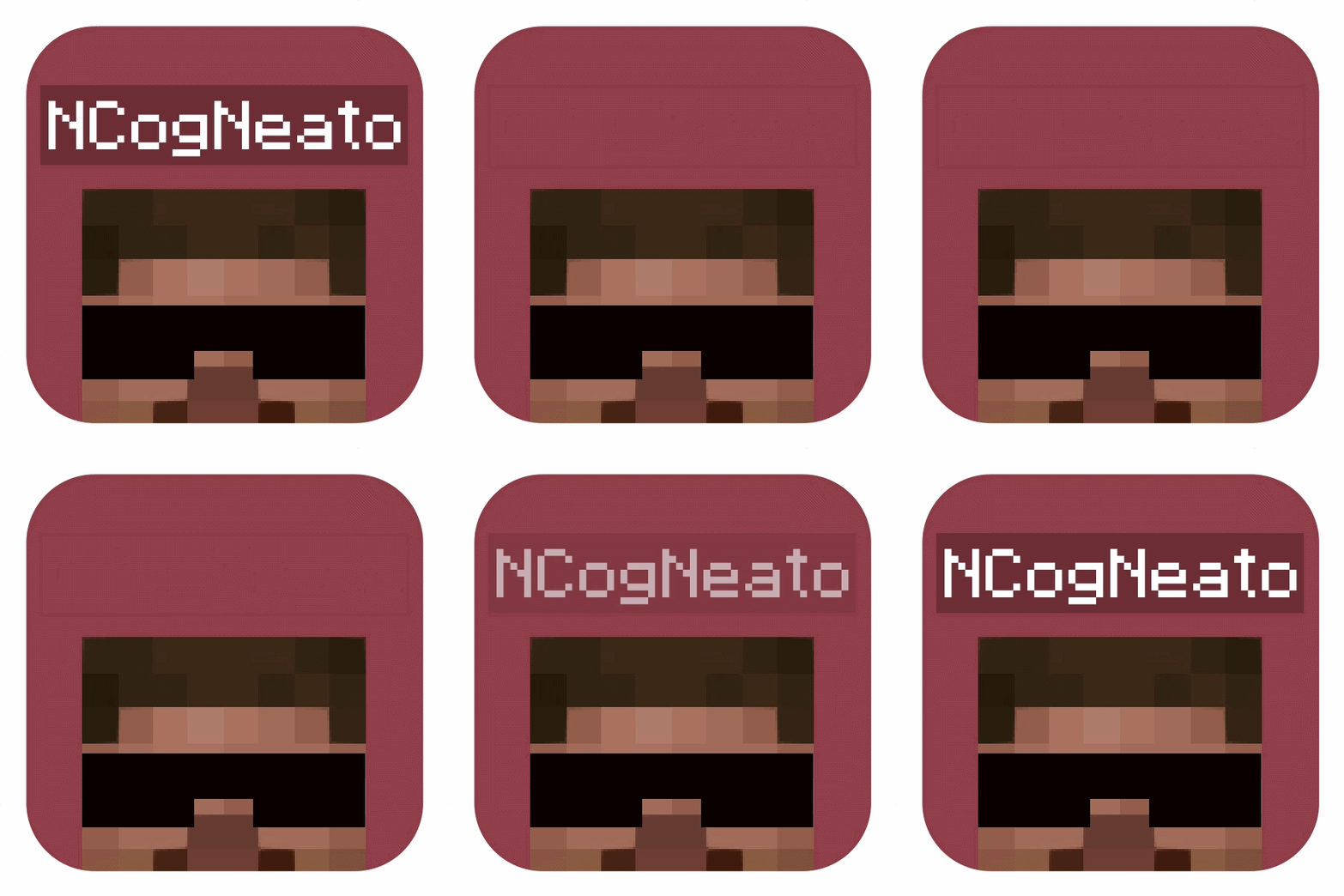
No Player Nametags
by DRECUBED
With No Player Nametags installed, player nameplates disappear above every player's head, and a pair of commands brings them back.
What it does
The mod hides player nameplates by using the team command instead of a resource pack or a changed game file, which lowers the chance of conflicts with other packs and older methods. Installing the default setup hides the names without any further action. Servers and clients run it as a server required mod, while players may leave it out and still see the server's effect on their names. Nameplate display can be switched back on or off again at any time with commands. Typing the command and pressing tab shows the auto-complete options, so either the show or the hide command can be run in game.
Key features
Hidden nameplates by default
Player names are hidden above players' heads as soon as the mod is installed, with no further setup needed.
Team-based hiding
The hiding uses the team command, which avoids the conflicts that other, older methods can cause with packs and mods.
Show and hide commands
Commands re-enable or re-disable nameplate display at any time, and auto-complete lists them when typed.
Gallery
Compatibility
Latest build for each game version and loader.
Only full game releases are shown. This mod publishes no snapshot builds.
Questions
Does No Player Nametags need to be installed on the client?
In the catalog
No Player Nametags is one of 5,392 Social mods on ModsFinder, and one of 4,084 Social mods for Fabric. 8,071 mods support Minecraft 26.3.
More from DRECUBED


Similar mods







What the author says
completely optional - by default just installing the pack hides all player names without any further action needed 👍 Just typing "/function show" or "/function hide" in-game will get you enough auto-complete to run either command
Official listing
- Modrinth page
- modrinth.com/mod/no-player-nameplates
- Owner
- DRECUBED
- Published
- 2026-06-25
- Updated on Modrinth
- 2026-09-15
- Facts verified
- 2026-10-15