
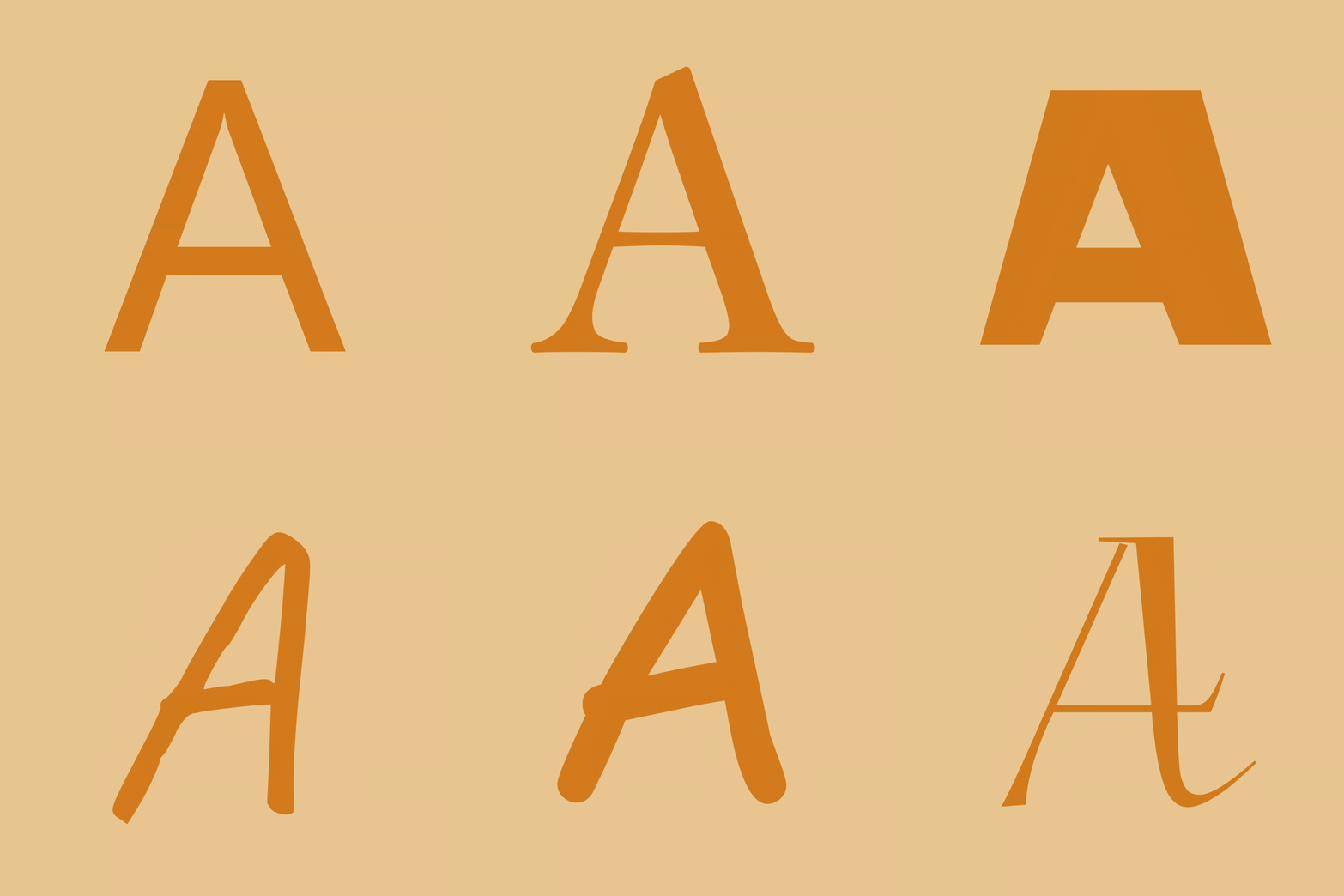
FontSwap
FontSwap lets players import their own .ttf or .otf font files and apply them across the whole game, including chat, menus, books, signs and tooltips.
What it does
Any .ttf or .otf file can be dropped into the mod's folder and selected in game. The chosen font then replaces the default text everywhere it is drawn, and changes take effect live without restarting the game. Fine controls adjust size, vertical offset and line spacing, so the text in books and signs can be tuned as well.
The mod is client-side only, so the server does not need it and players can join a server without installing it. The in-game menu opens with the K key, which can be rebound in the Controls settings, and it is available in 10 languages: English, German, French, Spanish, Russian and Brazilian Portuguese, among others. FontSwap is published for Forge and NeoForge across 14 release versions, 1.20.1 – 26.1.2, and the code is covered by All rights reserved.
Additional text options include a weight setting with faux-bold, a custom text shadow that can be turned on or off and recolored with a hex code, and an antialiasing toggle for a crunchy pixel-art look or crisp retro text. A favorites list pins the fonts a player uses most to the top of the selection.
Key features
Font import
Any .ttf or .otf file can be added and selected, with changes applied immediately.
Fine text controls
Size, vertical offset and line spacing can be adjusted, including for books and signs.
Text shadow and weight
The drop shadow can be switched off or recolored with a hex code, and a faux-bold weight is available.
Antialiasing toggle
Antialiasing can be switched off for a pixel-art look or left on for smoother edges.
Gallery
Compatibility
Latest build for each game version and loader.
26.x3 of 3 versions with builds
1.21.x7 of 7 versions with builds
1.20.x4 of 4 versions with builds
Only full game releases are shown. This mod publishes no snapshot builds.
Use cases
Who it’s for: Players who want to change the look of the game's text on their own client. The server does not need the mod, so it suits single-player and multiplayer clients alike.
How it compares
BetterSpeedHUD is client-side only, open source under the MIT License and runs on Forge and NeoForge for 1.20.1 – 1.21.11, focused on a speed display rather than text fonts. Day Counter is published for Forge only, for 1.20.1 – 1.20.4, under All rights reserved. Both are alternatives in the same client-side environment, but neither changes the text font of the game.
| Mod | Loaders | Game versions | Environment | Updated |
|---|---|---|---|---|
| FontSwap | Forge and NeoForge | 1.20.1 – 26.1.2 | Client-side only | 2026-06-12 |
| BetterSpeedHUD | Forge and NeoForge | 1.20.1 – 1.21.11 | Client-side only | 2026-08-24 |
| Day Counter | Forge | 1.20.1 – 1.20.4 | Client-side only | 2024-09-02 |
Questions
Does FontSwap need to be installed on the server?
Which loaders does FontSwap support?
Can the font change apply without restarting the game?
In the catalog
FontSwap is one of 12,078 Decoration mods on ModsFinder, and one of 6,149 Decoration mods for Forge. 15,189 mods support Minecraft 26.1.2.
More from NEKOZAME_Garo


Similar mods





What the author says
FontSwap lets you drop in any.ttf /.otf font and applies it to the entire game — chat, menus, books, signs, tooltips, everything — live, without restarting. Everything is controlled from a clean in-game menu (default key: K).
Official listing
- Modrinth page
- modrinth.com/mod/fontswap
- Owner
- NEKOZAME_Garo
- Published
- 2026-06-12
- Updated on Modrinth
- 2026-06-12
- Facts verified
- 2026-10-15