
BlockPlayer
by KSmc's Team
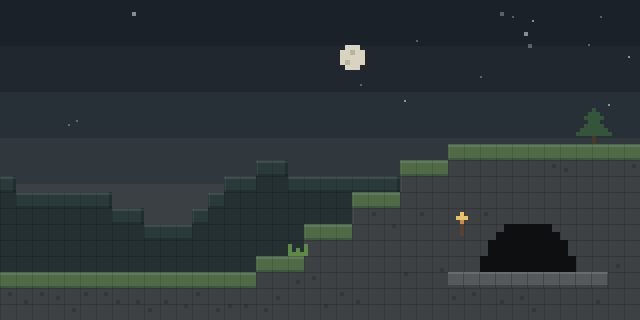
BlockPlayer lets a player turn into a block and move through the world as one, using a command to switch in and out of that state.
What it does
A player can use a command to turn into a block, and a held item displays the block state being used. Running the command again or using the exit command restores the player to normal form and returns them to the world. Only the client needs the mod, so servers run without it and players join without any installation on their side.
BlockPlayer is published for Forge on Minecraft 1.20.1 only, with a single file dated 2025-01-13. It is open source under the ISC License, and its source code, issue tracker and wiki are public.
Key features
Turn into a block
A command switches the player into a block form, letting them take on the look and presence of a block.
Block state item
A held item shows the block state that the player is currently using, so the form can be checked at a glance.
Exit block state
A separate command returns the player from block form to normal form when they re-enter the world.
Gallery
Compatibility
Latest build for each game version and loader.
Only full game releases are shown. This mod publishes no snapshot builds.
Questions
Does BlockPlayer need to be installed on the server?
Which Minecraft version does BlockPlayer support?
In the catalog
BlockPlayer is one of 2,135 Minigame mods on ModsFinder, and one of 886 Minigame mods for Forge. 34,764 mods support Minecraft 1.20.1.
More from KSmc's Team




Similar mods



What the author says
This is a mod that allows players to turn into any block, which has been open-sourced on GitHub. You can use the command /to-block to turn into any block. When in block state, the item currently held by the player will not be displayed. If you want to exit the block state, you can do so by re-entering the world or…
Official listing
- Modrinth page
- modrinth.com/mod/blockplayer
- Owner
- KSmc's Team
- Published
- 2025-01-13
- Updated on Modrinth
- 2025-01-13
- Facts verified
- 2026-10-15