
Simple Zoom
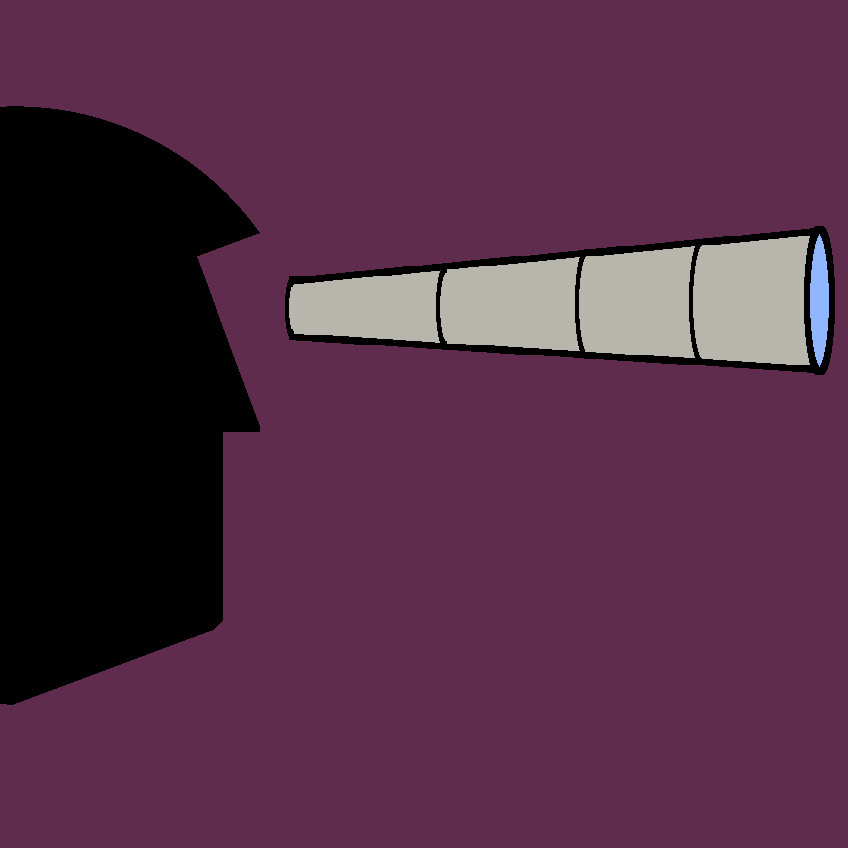
Simple Zoom lets players zoom the view in and out, in the way OptiFine's zoom key does, on Forge for 1.20.1.
What it does
Holding the zoom key narrows the field of view so distant blocks and entities become easier to see, and scrolling the mouse wheel while zoomed adjusts the zoom level. The mod is built to avoid conflicts with other mods that alter rendering, and the author notes it may work alongside similar performance-focused renderers. Extremely far zoom-out can produce graphical glitches. Files exist for Forge only, covering 1.20 and 1.20.1, and the latest file is 1.0 for 1.20.1, released 2023-08-24. Only the client needs it, so servers run without it. The code is not open source and is covered by All rights reserved.
Key features
Zoom like OptiFine
Provides a zoom function similar to the one found in OptiFine.
Mouse wheel adjustment
Scrolling the mouse wheel while zoomed changes how far the view is magnified.
Conflict avoidance
Includes measures meant to prevent clashes with other mods that affect rendering.
Compatibility
Latest build for each game version and loader.
Only full game releases are shown. This mod publishes no snapshot builds.
Questions
Does Simple Zoom need to be installed on the server?
Can Simple Zoom be used with other rendering mods?
In the catalog
Simple Zoom is one of 36,990 Utility mods on ModsFinder, and one of 14,575 Utility mods for Forge. 34,764 mods support Minecraft 1.20.1.
More from AlmightyAnubis


Similar mods





What the author says
Allows you to zoom in like in optifine. Many other mods cause issues with rubidium and similar mods. This mod tries to prevent that. While Zoomed in you can adjust the zoom with the mouse wheel. Extrem zoom out and in may cause some graphic glitches.
Official listing
- Modrinth page
- modrinth.com/mod/simple-zoom
- Owner
- AlmightyAnubis
- Published
- 2023-08-24
- Updated on Modrinth
- 2023-08-24
- Facts verified
- 2026-10-15