
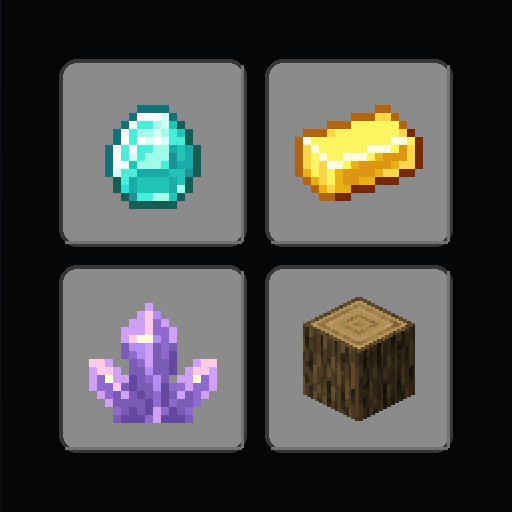
Block Image Renderer
Block Image Renderer is a Fabric client mod that exports the game's rendered item icons as PNG files for use in resource and data packs.
What it does
Pressing F7 in a loaded world writes the inventory icon of every registered item to its own PNG, with the background left see-through, and pressing F8 does the same for decorated pot, banner and shield pattern overlays. The files are collected in the block-images folder. The purpose is producing icons for developing resource and data packs, where an exact image of an item as it appears in the inventory is needed, including for block-type items that show as flat sprites.
Producing roughly 1,600 icons by hand through screenshots, cropping and transparency cleanup would be impractical, so the mod generates the whole set in seconds, with transparency and decoration overlays already prepared for a build pipeline. Minecraft 26.1's screenshot path forces every pixel opaque, which makes the transparency impossible to read back directly, so the mod works around that by rendering each item over black and over white and comparing the two results to reconstruct exact per-pixel alpha.
Install the mod alongside Fabric API, which is required. Block Image Renderer runs on the client alone and needs no server side, and it is published for Fabric only, for game versions 26.1 – 26.2 across four release versions. The source is released under the MIT License, with public links to the source code and issue tracker.
Key features
Item icon export
Each registered item's inventory icon is saved as a separate image with a see-through background.
Decoration overlays
Decorated pot, banner and shield pattern overlays are exported separately, with pots isolating their sherd motif.
Alpha reconstruction
Each item is captured over black and over white in one frame, and the two captures are merged to recover exact per-pixel transparency.
White tintable masks
Banner and shield patterns are rendered as white masks over a black base, so they can be recolored in a pack.
Gallery
Compatibility
Latest build for each game version and loader.
Only full game releases are shown. This mod publishes no snapshot builds.
Requirements
Dependencies declared by the latest file for each loader.
Required 1

Questions
Does Block Image Renderer need Fabric API?
Does Block Image Renderer have to be installed on the server?
Where are the exported images saved?
In the catalog
Block Image Renderer is one of 29,952 Game mechanics mods on ModsFinder, and one of 19,630 Game mechanics mods for Fabric. 13,894 mods support Minecraft 26.2.
Similar mods


What the author says
A Fabric client mod for Minecraft 26.1 that exports the game's rendered icons straight to PNG files — no manual screenshotting, cropping, or transparency cleanup. Data packs and resource packs that preview container contents — like the shulker-preview data pack — need a pixel-accurate image of every item exactly as…
Official listing
- Modrinth page
- modrinth.com/mod/block-image-renderer
- Owner
- Ethan-Arrowood
- Published
- 2026-05-26
- Updated on Modrinth
- 2026-07-10
- Facts verified
- 2026-10-15