

Graves
by CooledBeans
Graves keeps the items and experience a player loses on death in a grave block at the place of death, so the player can recover them later.
What it does
When a player dies, the items from their inventory are placed into a grave in their original slots, and the experience they had is stored with it. A player dying at level 30 keeps more of their levels in the grave than the usual 7. Settings are configurable, and the settings menu opens through the command function m graves:settings/open.
Locked graves can be opened only by their owner. After a death the player receives a single-use key they can hand to another player, who can then open the grave, and the key is consumed when used. Locked graves can be set to open on their own after a chosen delay, which is disabled by default with a default of 5 minutes. Graves can display the owner's name and head, and a death locator compass points to the location of the death. The death location can also be shown in chat, which is disabled by default.
Graves is published for Fabric, Forge, NeoForge and Quilt. The latest builds cover 1.20.4 – 1.21.11, and the latest file for each loader is 1.3.1+mod for 1.21.11. Server owners install it, and players can join with or without it. It is released under the Creative Commons Attribution Non Commercial 4.0 license and is not open source.
Key features
Items stored in a grave
Inventory contents are placed into a grave at the death location, keeping the original slot layout.
Experience kept on death
The experience lost at death is stored and can be configured, with a larger share kept at higher levels.
Death locator compass
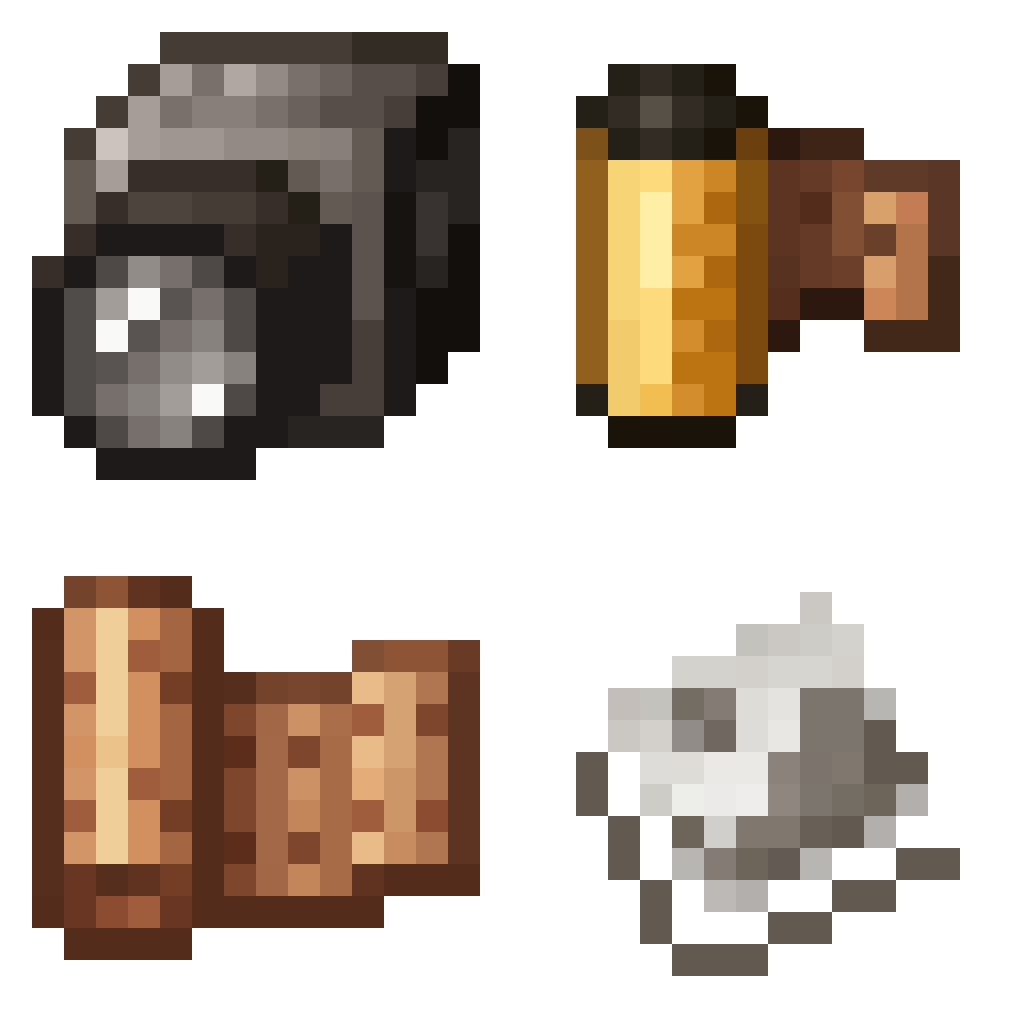
A compass received after death points to the location of the grave, and it can be toggled as a key.
Locked graves and keys
Graves can be locked to their owner, with a single-use key for other players, and an optional timer that opens them automatically.
Gallery
Compatibility
Latest build for each game version and loader.
Only full game releases are shown. This mod publishes no snapshot builds.
Questions
Does Graves need to be installed on the client?
Which loaders does Graves support?
Can other players open a grave?
In the catalog
Graves is one of 19,031 Adventure mods on ModsFinder, and one of 10,052 Adventure mods for Fabric. 19,862 mods support Minecraft 1.21.11.
More from CooledBeans


Similar mods




What the author says
When a player dies they will leave a grave at the site of their death which will will keep their items and experience safe. Left or right click the grave to open it and drop its contents. This datapack is multiplayer-friendly and highly configurable, allowing you to make graves despawn, how long it takes for them to…
Official listing
- Modrinth page
- modrinth.com/mod/player-graves
- Owner
- CooledBeans
- Published
- 2024-01-18
- Updated on Modrinth
- 2026-01-01
- Facts verified
- 2026-10-15