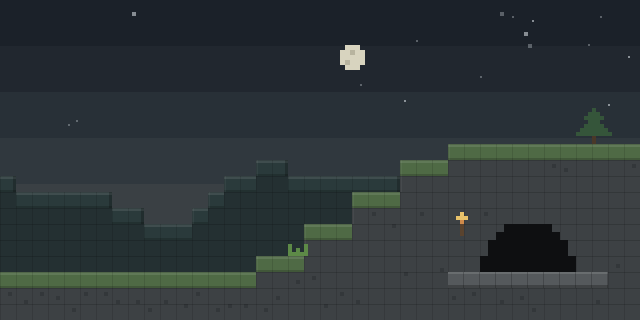

Items Cooldown
by b1nt1n
Items Cooldown shows the cooldown timer of an item in the hotbar and inventory, and a Fabric client mod that displays it as a HUD panel.
What it does
Each item with a cooldown gets a timer drawn beside its icon, so a player can see when it is ready to use again without counting seconds by hand. Values are shown as whole seconds only, and the colour moves from red at the longest cooldown to green as the timer runs out. The timer covers modded items as well as vanilla ones.
A personal cooldown panel lists the cooldowns the player is waiting on. Through the hudculd integration, the mod can also show enemy cooldowns, which the author notes for FunTime PvP use. Panels can be moved, resized and set to appear only while the chat is open. A config screen adjusts hotbar and inventory visibility, text style, outline, background, scale and offsets; it needs Mod Menu and Cloth Config, and Fabric API is required.
The mod is published only for Fabric, for 1.21.4 – 1.21.11. It is a client-side only mod, so a server does not need it, and players can join a server that runs without it. It is released under the MIT License and is not open source. Builds exist for 1.21.4 and 1.21.11, with 2.2.1 for 1.21.11 as the latest file, first published on 2026-04-14 and last updated on 2026-07-03.
Key features
Cooldown timer on item icons
A timer appears on each item icon that has a cooldown, in the hotbar and the inventory.
Whole-second values with colour gradient
Times are displayed in whole seconds, coloured from red at the maximum cooldown to green at the minimum.
Personal and enemy cooldown HUD
A panel lists the player's own cooldowns, and an enemy panel can show opponents' cooldowns through hudculd.
Configurable HUD panels
Panels can be moved, resized and shown only while chat is open, with text style and offset options in the config screen.
Gallery
Compatibility
Latest build for each game version and loader.
Only full game releases are shown. This mod publishes no snapshot builds.
Use cases
Tracking items in PvP
Players can follow their own and enemy cooldowns during fast-paced PvP instead of guessing when an item is ready.
Reading cooldowns in the inventory
The timer on item icons lets a player check cooldowns while managing the inventory.
Who it’s for: Players who use timed items in minigames and PvP, and players who want a cleaner HUD for cooldowns. Only the client needs the mod, so it suits single-player and multiplayer play alike.
Questions
Does Items Cooldown need Fabric API?
Does a server need Items Cooldown?
Which game versions does Items Cooldown support?
In the catalog
Items Cooldown is one of 2,135 Minigame mods on ModsFinder, and one of 1,454 Minigame mods for Fabric. 19,862 mods support Minecraft 1.21.11.
More from b1nt1n


Similar mods




What the author says
Tired of guessing when your item is ready again? Items Cooldown shows cooldowns directly on item icons and can also display them in clean HUD panels. The mod displays cooldowns as whole seconds only (round) on items in both hotbar and inventory.
Official listing
- Modrinth page
- modrinth.com/mod/items-cooldown
- Owner
- b1nt1n
- Published
- 2026-04-14
- Updated on Modrinth
- 2026-07-03
- Facts verified
- 2026-10-15