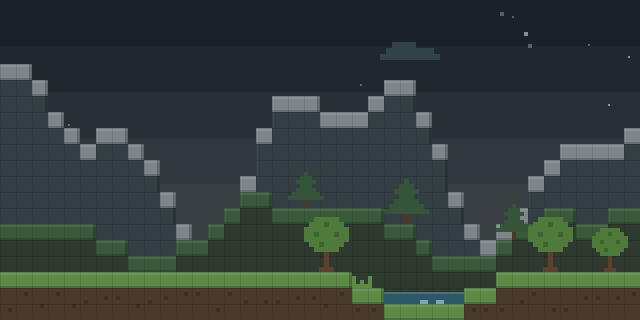

TB NoGroundItems
by Ti0Bi
TB NoGroundItems is a Fabric client mod that lets players hide dropped items lying on the ground in the world.
What it does
Dropped item entities can pile up on busy servers and in farms, and the mod stops them from being drawn so the view stays clear. Only the client needs it, since rendering happens there, and it requires Fabric API. The mod is published for Fabric alone, with a single build for 1.21.11, released as alpha on 2026-08-12 under All rights reserved, so it is not open source.
Key features
Hidden ground items
Items on the ground are no longer drawn, which can reduce visual clutter in busy areas of the world.
Toggle key
The default key F8 switches the rendering setting on and off, and the controls can be changed in the settings.
Known conflicts
Some other mods that alter item physics may behave differently alongside this one.
Compatibility
Latest build for each game version and loader.
Only full game releases are shown. This mod publishes no snapshot builds.
Requirements
Dependencies declared by the latest file for each loader.
Required 1

Questions
Does TB NoGroundItems need Fabric API?
Does the server need TB NoGroundItems?
Which key toggles the item rendering?
In the catalog
TB NoGroundItems is one of 11,058 Mobs mods on ModsFinder, and one of 5,189 Mobs mods for Fabric. 19,862 mods support Minecraft 1.21.11.
Similar mods


What the author says
Allows you to disable rendering of items in the world (for example, to eliminate lag when there are a large number of them). By default, F8 is used to switch, but you can change it in the control settings. There may be problems or incompatibilities with some mods on item physics.
Official listing
- Modrinth page
- modrinth.com/mod/tb-nogrounditems
- Owner
- Ti0Bi
- Published
- 2026-08-12
- Updated on Modrinth
- 2026-08-12
- Facts verified
- 2026-10-15