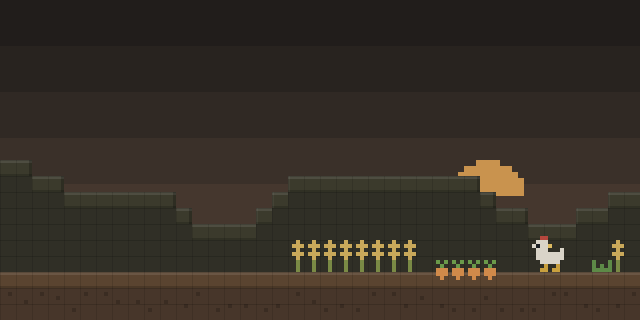

Moodles
by matras_
Moodles replaces the vanilla potion lists in the inventory with icons that show each active effect, and the icons change with effect strength.
What it does
Each active effect appears as a Moodle, a small icon in a row of the HUD. Effects whose strength matters, such as Strength, use circular frames that change with potency, while effects where level does not matter use square frames. Neutral effects like Glowing or Bad Omen get a yellow background, and a plain gray background marks effects at level 1. The effect's potency also sets the background color, so a stronger effect reads differently at a glance.
The vanilla potion lists in the inventory are removed because the Moodles take their place. Rows are rendered so that they avoid z-fighting with the hotbar. Animations are modeled on the Casualties mod, and the descriptions are written to be both funny and informative. Users who want their own icons can make custom Moodle textures.
Moodles is client-side only, so only the client needs it and servers do not. It is released under the MIT License and is open source, with the source code published. Files exist for NeoForge only, for game versions 1.21.1 – 1.21.11, with 1.1+1.21.11 as the latest file for 1.21.11.
Key features
Potency-aware frames
Effects whose strength matters get circular frames, and the frame and background change as potency rises.
Square frames for flat effects
Effects whose level does not change how they work use square frames instead of circular ones.
Neutral effect backgrounds
Neutral effects like Glowing or Bad Omen show a yellow background, which separates them from harmful and helpful effects.
Vanilla lists replaced
The vanilla potion lists in the inventory are removed, and the Moodle icons take over the same information.
Compatibility
Latest build for each game version and loader.
Only full game releases are shown. This mod publishes no snapshot builds.
Questions
Does Moodles need to be installed on the server?
Which loader does Moodles support?
Can the Moodle icons be changed?
In the catalog
Moodles is one of 6,151 Food mods on ModsFinder, and one of 2,596 Food mods for NeoForge. 19,862 mods support Minecraft 1.21.11.
Similar mods




What the author says
btw, you can make your own moodle textures!! if you feel like that
Official listing
- Modrinth page
- modrinth.com/mod/moodles
- Owner
- matras_
- Published
- 2026-07-24
- Updated on Modrinth
- 2026-07-31
- Facts verified
- 2026-10-15