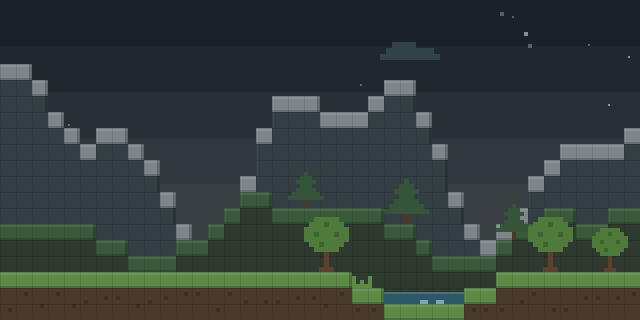

Lodestones Plus
by PickledFish1
Lodestones Plus lets players set lodestone points that teleport them between locations, and it is a NeoForge mod for 1.21.8.
What it does
A GUI lets players set lodestone points and teleport to them, and breaking a lodestone removes its point from the list. The system resets points when it runs, and a teleport point that was not set sends the player to 0 0 0. Only the client and the server both need the mod. It is published for NeoForge only, with version 1.0.0 for 1.21.8 as the single release, and the code is not open source, released under All rights reserved.
Key features
Lodestone point GUI
A screen lets players set lodestone points and choose one to teleport to from the list.
Point removal on break
Breaking a lodestone removes its point from the list, so stale destinations do not remain.
Point reset
The system resets stored points, which clears saved destinations when it runs.
Gallery
Compatibility
Latest build for each game version and loader.
Only full game releases are shown. This mod publishes no snapshot builds.
How it compares
Enlightened Lodestone is NeoForge only for 1.21.1 and is not open source. Telepearl is NeoForge only for 1.21.4 under the MIT License. Both are client and server mods, like Lodestones Plus.
| Mod | Loaders | Game versions | Environment | Updated |
|---|---|---|---|---|
| Lodestones Plus | NeoForge | 1.21.8 | Client and server | 2026-08-16 |
| Enlightened Lodestone | NeoForge | 1.21.1 | Client and server | 2026-07-08 |
| Telepearl | NeoForge | 1.21.4 | Client and server | 2025-09-17 |
Questions
Does Lodestones Plus need to be installed on the server?
In the catalog
Lodestones Plus is one of 3,932 Transportation mods on ModsFinder, and one of 1,743 Transportation mods for NeoForge. 17,695 mods support Minecraft 1.21.8.
More from PickledFish1





Similar mods


What the author says
This mod adds a GUI to lodestones. To access it, right click a lodestone. If you want to set your lodestone as a point that you can teleport to later, click the "Set Points" button. If you want to teleport to one of your lodestones, click the "Teleport to points" button. There are 3 points that you can set/teleport…
Official listing
- Modrinth page
- modrinth.com/mod/lodestones-plus
- Owner
- PickledFish1
- Published
- 2026-08-16
- Updated on Modrinth
- 2026-08-16
- Facts verified
- 2026-10-15