

Level = Border
by jakobkmar
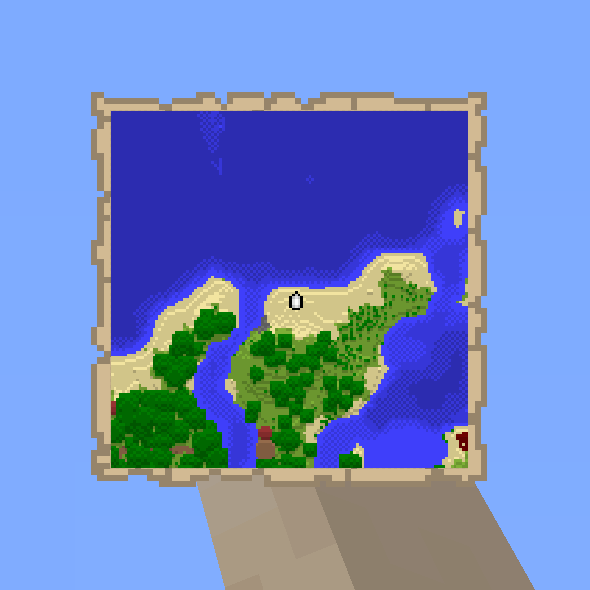
Level = Border keeps the world border tied to the player's experience level, so the playable area grows as the player levels up.
What it does
The border radius follows the player's current experience level. Each level adds to the size, and the border stays centered on world spawn. The levelborder command configures the mod, and setworldspawn changes where the border is centered. Before entering the Nether, a player should check that the border sits a reasonable distance from the overworld portal. Fabric and Forge builds exist for 1.17.1 – 1.19.2, and Fabric Quilt is recommended on Fabric. Clients can load the mod too, and it is listed as a mod for Paper and Sponge servers.
Key features
Level-based border size
The world border radius equals the player's current experience level, and it updates as the level changes.
Levelborder command
The levelborder command adjusts the mod's settings in game without editing files.
Centered on spawn
The border stays centered on world spawn, and setworldspawn moves that center.
Compatibility
Latest build for each game version and loader.
Only full game releases are shown. This mod publishes no snapshot builds.
Questions
Does Level = Border need Fabric or Forge?
Can clients run Level = Border on their own?
In the catalog
Level = Border is one of 19,031 Adventure mods on ModsFinder, and one of 10,052 Adventure mods for Fabric. 12,559 mods support Minecraft 1.19.2.
More from jakobkmar


Similar mods




What the author says
A cross-platform Mod for the popular Minecraft project, where the border always has a radius equal to the player's current experience level. Use the /levelborder command to configure the mod in game.
Official listing
- Modrinth page
- modrinth.com/mod/level-border
- Owner
- jakobkmar
- Published
- 2021-12-03
- Updated on Modrinth
- 2022-11-18
- Facts verified
- 2026-10-15