Decoration
2,131 mods match your filters.

A pause menu inspired from P3R
A unique way to make mapart. Comes with an editor. Makes animated mapart.

lets you configure what background music plays in what context.

Each enchantment has its own heart texture

Let's build a diamond house in the oldest version!

Visible overload for cart pvp!

Makes everything into dirt. Mmmmm, dirt.

A client-side Fabric mod that provides an interactive interface for inserting Unicode symbols, special characters, formatting codes, and other text elements into Minecraft chat.

Build your own Minecraft interface in game. 173 icon shapes for your hearts, 120 backgrounds, 96 borders, 78 slot designs, 96 colours and 52 ready-made presets. Every other GUI mod changes colours. This one changes the art.

Show how much xp you need to next level

Pets have a starting name.

Hide placed string with customizable visibility modes.

A mod that adds a snowman block, as well as a pebble, which is a throwable item.

This mod is for forge 1.8.9 and lets you select blocks to highlight. This can greatly improve your aim, find traps or specific areas, or even as a visual aesthetic. More updates coming soon!

Preview Minecraft particles before using them in commands.

A lightweight client-side Fabric mod that lets you click through item frames, signs, banners, wall torches and other thin decorations to interact with blocks behind them.

(Hopefully) client-side Quark addon making the Pickarang rotate counterclockwise.

Client Side Formatting is a simple mod that adds the ability to use client-side text formatting.

Resource packs restyle every loading screen: custom art, animated backgrounds, progress bars, percent readouts, status lines, and rotating tips.
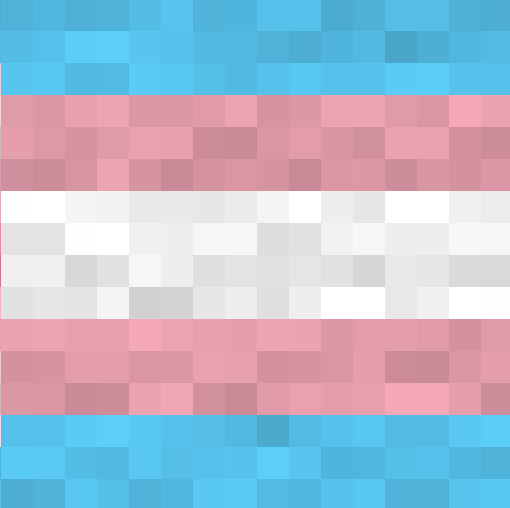
This mod adds pride flags to classic 0.30 a mostly experimental mod that took me about 2 hours to make

Adds a client-side Mod Menu option for changing the opacity of the player's current mount. This Mod was proposed, tested, and published by the author, and the code was generated with AI assistance.

Adds smooth CinemaScope black bars to Essential’s built-in zoom for a more cinematic experience

Allows you to bypass Minecraft's 64 block hardcoded banner rendering limit.

Save blocks from your inventory using Ctrl + 1–9, then paste their IDs into chat instantly with a single key press or click.